
Random Orbital Sanding: Choose the Right Orbit Size
It’s early, coffee is hot, and the workshop has that quiet hum before saws and vacs kick off. On the bench sits a maple tabletop you’ve been coaxing toward a flawless finish all week. You line up abrasives, check the vacuum hose, and reach for your sander—then pause. The sticker says 5 mm orbit, but you’ve also got a 2.5 mm model in the drawer. Which one delivers the fastest path to dead‑flat without leaving those annoying pigtails under a clear coat? This is where random orbital sanding really becomes a craft decision, not just a tool choice. Orbit size is the lever that moves your workflow. Choose it well, and you remove stock quickly, steer around swirl risks, and hit finish-quality scratch patterns faster. Choose it poorly, and you burn time, clog discs, and inherit defects you can only fix by stepping back several grits.
I’ve run sanders in boatyards, cabinet shops, and body bays. The difference between a 5/16" (8 mm) orbit and a 3/32" (2.5–3 mm) isn’t academic—it’s hours saved (or wasted), paper life extended (or squandered), and finishes that impress (or frustrate). Today, I’ll walk you through selecting the right orbit for the job, not just the tool. You’ll leave with clear setups, step-by-step checks you can run on scrap, and an intuitive feel for when to reach for more orbit or less. We’ll dial in speeds, paper, pads, and vacuum so every pass counts.
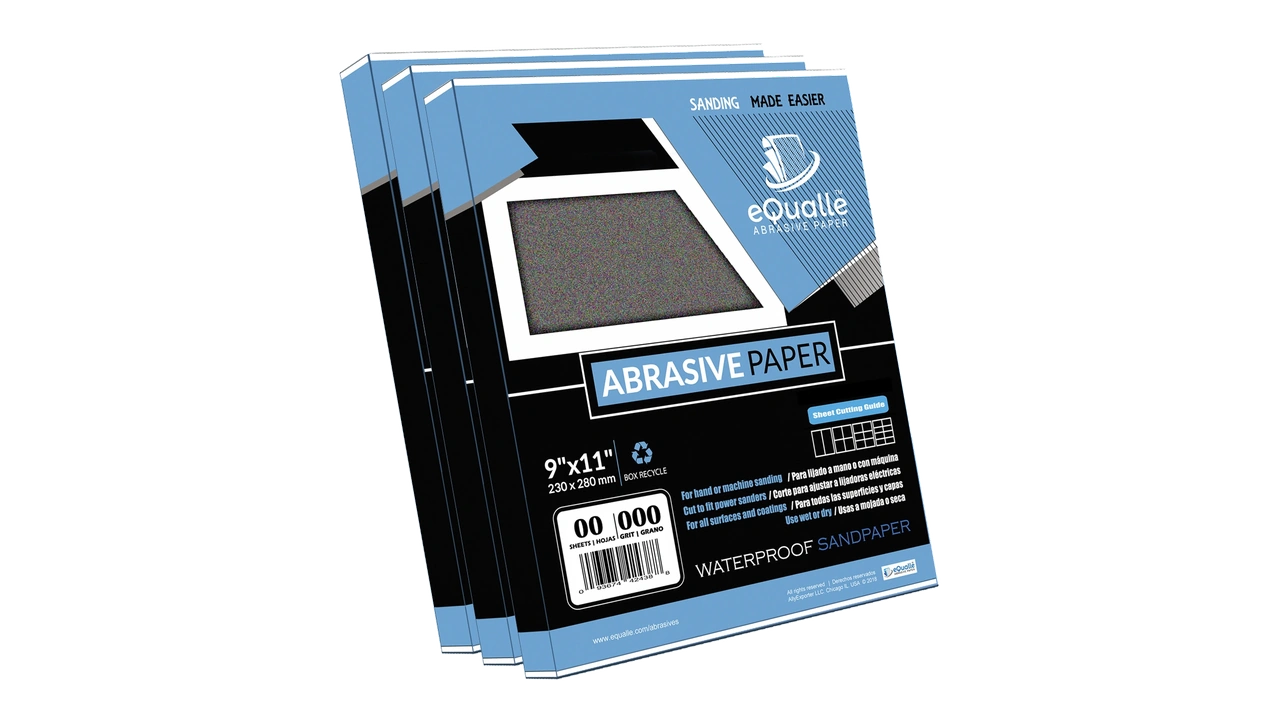
Quick Summary: Match orbit size to the task—large for fast leveling, small for refined control—then tune grit, speed, pad hardness, and dust extraction to lock in surface quality.
Orbit Size Decoded for Real-World Work
Orbit size is how far the pad’s center travels in a tiny ellipse, usually listed as 2.5–3.0 mm (3/32"), 5 mm (3/16"), or 8 mm (5/16"). Bigger orbit = more aggressive cut per pass. Smaller orbit = tighter control and a finer scratch pattern. The motor drives rotation while the offset bearing generates the orbit, so your scratch pattern becomes that familiar, swirl-minimizing “random” signature—provided you feed it good technique.
Here’s how that plays out on the bench:
- 8 mm (5/16") orbit: This is a stock-removal beast. It levels epoxy, paint, and high spots fast, especially on 6" (150 mm) pads. On softwoods and heat-sensitive finishes, it can dig quickly; good extraction and balanced pressure are non-negotiable.
- 5 mm (3/16") orbit: The versatile middle ground. It’s fast enough to flatten panel glue lines with 80–120 grit, yet tame enough to transition into 150–180 grit before you hand off to a smaller orbit for final passes or coatings prep.
- 2.5–3.0 mm (3/32") orbit: Think finesse—easing into final grits (180–320+), pre-stain prep, sealer scuffing, and between-coats work. It’s the go-to for brittle veneers, hard exotics, and automotive clear where scratch depth must stay shallow.
Pad size doesn’t change orbit—it changes contact patch and stability. A 6" pad on a 5 mm orbit will feel faster and more stable on big flats than a 5" pad, but it demands more vacuum and careful balance. Match pad hardness too: hard pads for leveling, medium for general work, soft or with an interface for contours.
Finally, speed matters. Most sanders quote OPM (orbits per minute) in the 6,000–12,000 range. Running full tilt with a big orbit and coarse grit may generate heat and pigtails if dust isn’t evacuated. Start at mid-speed, confirm clean cut and cool pad, then increase as extraction and surface allow.
When random orbital sanding demands speed
Speed means controlled aggression. When you’re facing thick finish, epoxy flood coats, uneven joinery, or planer scallops, a 5 mm or 8 mm orbit is the right lever—if you pair it with the right setup and technique.
First, kit it right. Use a hard or medium pad with an aggressive grit (60–100) to start, making sure disc holes line up with the pad’s pattern to maximize extraction. On a 6" sander with 8 mm orbit, that combination will remove material shockingly fast—but it will also throw heat without strong airflow. Lock a shop vac or dust extractor with a clean filter and dial your suction so the pad stays planted but doesn’t vacuum itself to the surface.
Step-by-step for fast, flat results:
- Pencil up the surface with light scribbles. This gives you honest readouts of where you’ve cut and where high/low spots hide.
- Set the sander to mid-speed. Plant the pad flat, no tilt, and let the machine’s weight do the work. Pushing hard increases heat, clogs paper, and invites pigtails.
- Move slowly—about 25–30 mm per second—and overlap passes by half the pad. Keep a consistent lane pattern like mowing a lawn.
- Check temperature with the back of your hand every minute. If the pad or work feels hot, reduce speed, improve extraction, or step to a fresher disc.
- Once pencil lines vanish uniformly, step through grits to erase the deep coarse scratches before dropping to a smaller orbit for finishing.
Common pitfalls and fixes:
- Pigtails (corkscrew scratches) usually mean a stray chip under the pad or dust overload. Stop, blow off the disc and pad, and vacuum the work. If the scratch remains, drop one grit and re-level.
- Edge rounding comes from tilting. Keep the pad flat or use a hard pad. If you must approach an edge, reduce orbit or use a block.
- Soft woods like pine burnish under big orbits at high speed. Reduce OPM, use sharper, open-coat paper, and sweep dust often.
The win: with a big orbit tuned correctly, you’ll cut to flat faster, save discs by keeping them cooler, and enter your finishing grits with fewer surprises.
Control and Finish: Choosing Smaller Orbits
When the surface is flat and you’re chasing clarity, consistency, and stain-ready fibers, smaller orbits (2.5–3.0 mm) shine. They produce a tight, shallow scratch that levels tiny ridges and leaves fewer marks telegraphing through stain, lacquer, or automotive clear.
Start by resetting your system for finesse:
- Switch to a medium or soft pad, optionally with a 3–5 mm foam interface on curved or veneered panels.
- Choose stearated, closed-coat papers in the 150–320 range for wood; for finishes between coats, use 220–400; for auto clear or solid surface, go even finer with film-backed discs and controlled OPM.
Technique shifts here. Your pressure drops to almost nothing—just the machine’s weight. Increase overlap to two-thirds, and slow your travel slightly to let the smaller orbit do its micro-flattening. If dust extraction was “important” before, it’s critical now. Residual particles from earlier grits can cause isolated deep scratches that only show under finish. Wipe or blow off between grit changes, and vacuum the pad face.
On blotch-prone woods (maple, birch), finishing at a smaller orbit reduces torn fibers that drink stain unevenly. For waterborne finishes, a light pre-raise of grain with a damp cloth, dried, then a pass at 220 with a 3 mm orbit gives a consistent tooth without over-cutting.
Special cases:
- Veneer and plywood: stay small orbit from the start, begin at higher grit (120–150), and use a hard pad only if you’re absolutely sure you won’t burn through.
- Painted MDF doors: cut primer with 320–400 on a 3 mm orbit to avoid rolling edges and to keep the film flat.
- Automotive clear: a 3 mm orbit with film discs in the 600–1500 range, wet or with excellent extraction, levels nibs without digging. Follow with foam interface and polish.
The smaller orbit is your insurance policy: it erases the coarser signature from earlier steps and hands a clean, uniform surface to your finish schedule.
Match Paper, Pad, and Vacuum to Your Orbit
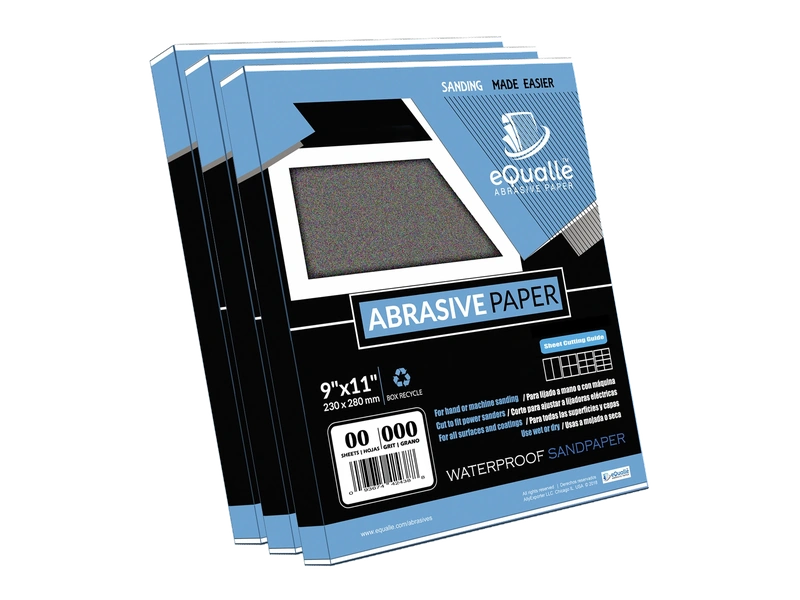
Orbit size sets the tone, but the ensemble—abrasive type, pad hardness, interface layers, and dust extraction—plays the song. Mismatch them, and you’ll fight swirls, heat, and wasted discs no matter what orbit you choose.
Abrasive pairing:
- Coarse stock removal (8 or 5 mm orbits): open-coat ceramic or ceramic blend discs in 60–120 grit resist loading and cut cool. For paint and epoxy, consider net or multi-hole film discs to keep airflow high.
- General flattening (5 mm orbit): 120–180 grit aluminum oxide or ceramic blend, closed-coat for harder woods, open for softwoods.
- Finishing (3 mm orbit): 180–320+ stearated papers reduce loading; film-backed discs maintain a consistent scratch on finishes and solid surface.
Pad and interface:
- Hard pad: Keeps flat surfaces flat, resists rounding. Great for glue lines and initial leveling.
- Medium pad: Your daily driver for most tasks.
- Soft pad or foam interface: Conforms to curves, reduces edge aggression, and helps smaller orbits maintain contact without telegraphing backing plate marks.
Extraction synergy:
- Align hole patterns meticulously. A misaligned disc chokes extraction and raises heat.
- Use an antistatic hose if available; it keeps dust moving and reduces pad loading.
- Adjust suction so the pad floats without stalling. Too much vacuum can create chatter and drag; too little invites dust and heat.
According to a article, stepping through grits methodically and pairing orbit size with pad hardness and hole-matched discs dramatically reduces rework and pigtails—exactly what we see on the bench.
Practical test: On scrap from your project, mark tiles with tape for each setup (orbit, pad, paper). Make four passes per tile at your target speed, then inspect under raking light. Note cut rate (pencil lines), scratch uniformity, heat, and disc load. Pick the combo that wins all four, not just raw speed.
Pro Field Notes, Setups, and Troubleshooting
Here are dialed-in setups I keep returning to, along with fast fixes when things go sideways.
Cabinet-grade hardwood panel:
- Start: 5 mm orbit, hard pad, 120 grit ceramic, mid OPM, strong extraction.
- Transition: 5 mm orbit, medium pad, 150/180 grit.
- Finish: 3 mm orbit, soft pad, 220/320 stearated paper, slower OPM, light pressure.
Painted doors and trim:
- Start on primer: 5 mm orbit, medium pad, 180–220.
- Finish: 3 mm orbit with interface, 320–400 for a uniform tooth without edge roll.
Live-edge slab with epoxy fills:
- Level: 8 mm orbit, hard pad, 80–100 grit ceramic net discs, high extraction.
- Refine: 5 mm orbit, 150–180.
- Finish: 3 mm orbit, 220–320, then switch to polish if needed.
Automotive clear nib removal:
- 3 mm orbit, film discs 800–1500 with foam interface, low OPM, surgical cleanliness. Follow with compound and pad.
Common problems and immediate fixes:
- Pigtails: Stop immediately, clean pad and work, swap disc if contaminated, drop speed one notch. If marks persist, step back one grit and re-level.
- Chatter or “stiction”: Reduce vacuum or add a breathable pad protector; check that the disc isn’t overhung past the pad.
- Slow cutting despite coarse grit: You’re skating on dust or burnished fibers. Improve extraction, lighten pressure, and ensure fresh, sharp discs.
- Edge burn-through on veneer: Shift to smaller orbit, add interface, increase overlap, and raise grit.
Five actionable, shop-proven tips:
- Preflight the pad: Press a sheet of clean paper against the pad and twist—if you feel bumps, the pad face is contaminated. Clean or replace before you chase defects for hours.
- Pencil mapping: Always pencil a light grid before leveling. It’s the cheapest, fastest cut-rate indicator—and it makes you honest about flat.
- Time-box your passes: On tricky surfaces, run 60-second intervals and evaluate heat and dust load. If the pad’s hot or the disc is smearing, adjust speed or orbit now.
- Orbit swap at the right moment: Don’t wait too long to drop to a smaller orbit. As soon as high spots are gone and a uniform scratch appears, change to the finishing machine before scratches get unnecessarily deep.
- Vacuum tuning: If the pad feels sucked down and leaves swirls, crack a bleed valve or step down suction. You want steady airflow, not a suction cup.
When you combine the right orbit with tuned pads, paper, and vacuum, sanding stops being a chore and becomes a controlled process. That’s how you get speed and surface quality to meet in the middle.
10 Random Orbital — Video Guide
There’s a concise video on mastering orbital techniques that breaks down ten practical ways to get more from your sander. It compares discs across big-name brands and shows how orbit size, paper type, and extraction change results on the same surface.
Video source: 10 Random Orbital Sander Tips
220 Grit Sandpaper Sheets (50-pack) — 9x11 in Silicon Carbide Abrasive for Wet or Dry Use — Refined medium-fine abrasive for final surface leveling on primed or sealed materials. Great for smooth touch-ups before finishing. (Professional Grade).
Frequently Asked Questions (FAQ)
Q: What’s the best all-around orbit size for a first sander?
A: A 5 mm (3/16") orbit is the most versatile. It removes stock efficiently yet can transition into finer grits. Pair it with a smaller-orbit sander later for finishing excellence.
Q: When should I choose an 8 mm (5/16") orbit?
A: Use it for aggressive leveling—epoxy, paint removal, slab flattening, or erasing planer marks on big panels. Keep extraction high, pressure light, and check for heat often.
Q: Can I get a finish-ready surface with a 5 mm orbit alone?
A: Yes, but it’s easier to hit flawless results by switching to a 3 mm orbit for your final grits (220–320+). The smaller orbit leaves a shallower, more uniform scratch.
Q: Why do I get pigtails even with good paper?
A: Usually dust contamination or a chip stuck to the disc. Clean pad and work, reduce speed, and ensure strong extraction. If marks remain, step back one grit and re-level.
Q: Does pad size (5" vs 6") matter as much as orbit?
A: Orbit drives aggressiveness; pad size drives stability and contact area. A 6" pad on the same orbit cuts faster on big flats but needs better balance and airflow to stay cool.