
Ceramic Sanding Discs: Pressure and Speed Guide
Late Saturday, the shop was warm and humming when a customer walked in with a chipped porcelain threshold. “One wrong pass,” he sighed, pointing at the glossy edge that now had a small bite missing. I recognized it immediately: too much speed, too much pressure, and a disc that glazed over before it could cut clean. I’ve been there—on driftwood, on aluminum, and yes, on ceramic tile where heat and hard grains make every mistake loud and permanent. That’s why pressure and speed matter more with ceramics than almost any other material. Ceramic is unforgiving. The wrong setting with ceramic sanding discs can burnish instead of cut, spike temperatures, and cause micro-cracking or edge blowouts you won’t see until the grout goes in.
If you’ve ever watched swarf go from a healthy gray to a burnt brown, or felt a disc skating on a glazed surface like it’s on ice, you know the feeling: the tool is winning the fight instead of your technique. The good news is, it’s fixable—reliably. You don’t need a lab or a mythical “pro touch.” You need a plan, a scale, and a repeatable way to dial in pressure and speed that respects the grit, the backing pad, and the ceramic you’re facing. Once you set those variables, ceramic becomes predictable. You can bevel an exposed porcelain edge without chipping, flush a high spot on a shower niche without burning glaze, and finish a satin radius that looks like it came from the factory.
This guide is how I set up the cut in real shops, from handheld random orbitals to variable-speed grinders, whether I’m running modern mesh ceramic sanding discs for dust control or switching to flexible diamond when the substrate demands it. We’ll walk through the settings, the signs they’re right, and how to fix it fast when they’re not.
Quick Summary: Start at low-to-mid speed, apply 2–5 lb of measured pressure, watch the swarf and temperature, and adjust in small steps until the disc cuts without glazing or chipping.
Know your ceramic and your tool
Before we start twisting dials, identify both the material and the abrasive. “Ceramic” isn’t one thing. You could be dealing with:
- Porcelain (dense, vitrified, very hard)
- Glazed ceramic tile (softer body, hard glassy surface)
- Sintered stone or engineered ceramics (uniform density, high heat sensitivity)
- Technical ceramics (alumina/zirconia components, extremely hard, fracture-prone)
Now the abrasive side. “Ceramic sanding discs” typically means ceramic alumina grain—excellent for metals and composites, aggressive and cool-running with the right pressure. For glassy or ultra-hard fired ceramic surfaces, flexible diamond abrasives usually cut cleaner and cooler. That doesn’t sideline ceramic-grain discs entirely: they excel at backing bevels, leveling mortars, feathering, and shaping ceramic-bodied edges. The rule of thumb: if you’re cutting through a glassy glaze or into a vitrified face, reach for diamond; if you’re shaping the ceramic body, leveling thinset, or refining edges prior to polish, ceramic-grain discs can be fast and efficient.
Tool choice dictates control:
- Random orbital (5–6 in): best for controlled finishes, minimal risk of gouge, easy to meter pressure
- Variable-speed angle/polisher (4.5–7 in): faster shaping and edge work, more heat risk, needs a soft pad for ceramics
- Drywall or mesh-backed sander (8–9 in): excellent for dust extraction with mesh discs, gentle contact, good for broad surfaces and feathering
Backer hardness matters. Hard pads cut fast and heat fast, transmitting every ounce of pressure into a small footprint. Soft/medium pads conform and spread load, giving you more latitude before you overheat or chip an edge. If you’re anywhere near a glaze or edge radius, start soft. If you’re flattening porcelain slabs with diamond, use medium with very light pressure.
Set speed to match ceramic sanding discs
Speed is about temperature control and grain engagement. Ceramic-grain discs actually like speed—but only if pressure is right and heat can escape. Diamond abrasives prefer lower surface speed with consistent cooling, especially on porcelain. Here’s how I set ranges that work in real shops.
Random orbital sanders (5–6 in):
- Starting point: 8,000–10,000 OPM (mid dial on most units)
- For ceramic-grain mesh discs on bodies or mortars: mid to high OPM with vacuum on, because airflow evacuates dust and cools the interface
- For glazed faces or porcelain touch-ups (with diamond hook-and-loop): drop to 5,000–7,000 OPM to slow heat rise, add a light mist if compatible with the tool
Variable-speed angle grinders/polishers (4.5–7 in):
- Ceramic-grain fiber or hook-and-loop discs on ceramic body: 3,000–6,000 RPM with soft backer
- Flexible diamond pads on porcelain or glaze: 1,500–3,000 RPM, err low for edges and tight radii
- If your polisher lists surface feet per minute (SFPM), target roughly 3,000–6,000 SFPM for controlled cutting on ceramics; lower for edges, higher for broad faces with active dust/wet cooling
Drywall/mesh sanders (8–9 in):
- Run manufacturer mid-range speeds; mesh ceramic discs plus extraction let you stay stable without loading
- If you feel stiction or see pigtails, lower speed, lighten pressure, and check pad interface
Dial-in process I use:
- Mount the correct pad (soft to start), and attach the right disc (ceramic-grain for bodies/mortars; diamond for glazes/porcelain).
- Mark a small area with pencil crosshatches.
- Begin at low speed for the tool class.
- Make three overlapping passes with feather-light pressure.
- Inspect: if marks barely fade, increase speed one step; if marks vanish but you feel heat ramp in <5 seconds, reduce speed or add air/wet cooling.
- Lock the speed when removal is consistent in 3–5 seconds without warming the back of the disc more than “warm to the touch.”
With ceramics, I’d rather run slightly slower and add a pass than push a fast, hot cut that chips and forces a rework.
Pressure you can measure in the shop
“Light pressure” is vague. Put a number to it, and you’ll repeat clean results on any ceramic. The easiest method is a simple hanging or luggage scale to calibrate your hand.
How to calibrate:
- Hook your sander or polisher (powered off) to a luggage scale and push down on a benchtop at working angle.
- Note how much force it takes to read 2 lb, 3 lb, 5 lb, etc.
- Memorize that body feel: wrist bend, elbow load, how your shoulder stacks. Do this once and you’ll know “3 lb” from then on.
Guidelines that work:
- Random orbital on ceramic body with ceramic-grain discs: 2–4 lb of downforce. Don’t exceed 5 lb or you risk glazing the grain and warming the binder.
- Diamond pad on porcelain or glaze: 1–3 lb. Let the diamonds do the work. If you push harder to make it cut, your speed or grit is wrong.
- Edge work (any abrasive): stay under 2 lb at the edge, and increase pressure only when the disc is fully supported on the face.
- Polisher with 5–7 in pad: 2–5 lb for shaping ceramic body, 1–2 lb for finishing passes or when the piece runs warm.
What you should feel:
- A faint, steady bite—not skating, not chattering.
- The tool maintains RPM without audible bogging; if it bogs, relieve pressure or increase speed slightly.
- The disc remains warm, not hot. If the hook-and-loop backing is hot, pressure is too high or extraction is poor.
Visual cues:
- Swarf should be light gray to powdery white. Darkening or shiny smear indicates heat and glazing.
- A frosted, uniform scratch pattern means pressure is correct. Random bright scratches mean rocking or too much point pressure.
Protect the edge:
- When breaking or refining a bevel on porcelain, come in at 10–15 degrees with minimal pressure and short, overlapping strokes. Don’t pause at the edge—lift slightly at the last 1/8 inch.
According to a industry report
The bottom line: measure once, repeat always. Two to four pounds on a ROS is your workhorse zone; one to three for delicate or glazed surfaces; and when in doubt, lighten up and reassess the grit and speed.
Keep heat and dust under control
Heat is the enemy of clean ceramic cuts. It drives micro-cracks, glazes the abrasive, and warps backing pads. Dust is the enemy of lungs and finish quality. You can manage both with simple habits.
Airflow and extraction:
- Mesh-backed ceramic sanding discs with a high-flow extractor keep swarf moving and temperatures lower. They also prevent clogging that leads to skating.
- Use a perforated soft pad to maximize airflow under the disc. Check that the hole pattern lines up; misaligned holes raise heat fast.
Wet vs. dry:
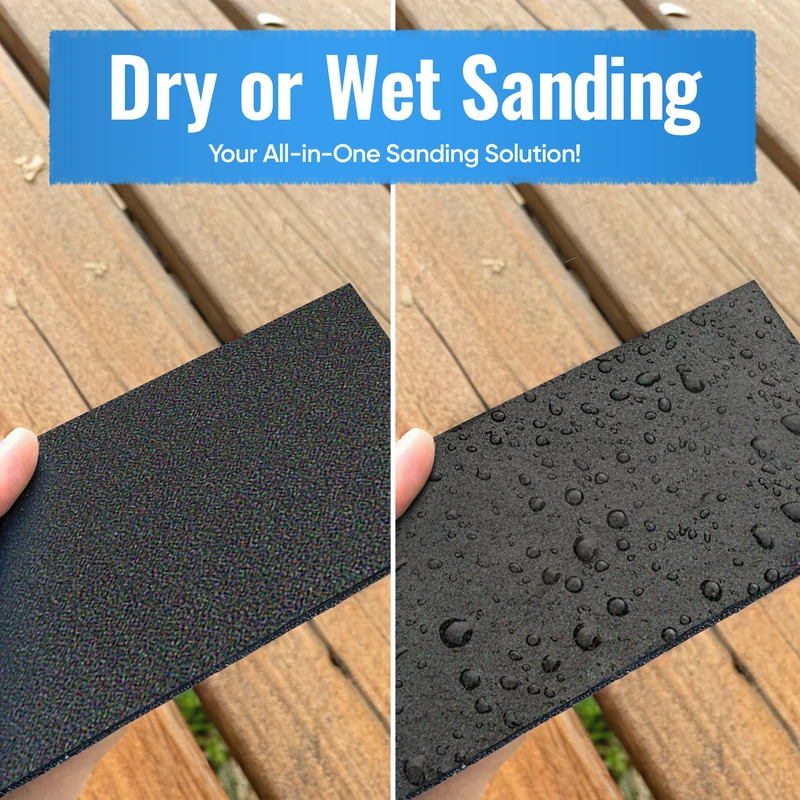
- For porcelain and glaze work with diamond pads, a light, controlled mist keeps temperatures stable and carries swarf away. Don’t flood a hook-and-loop backer not rated for wet use; a spray bottle and towel barrier go a long way.
- For ceramic-grain discs on bodies or mortars, dry with extraction is typically cleaner. If you feel the disc load, a single spritz can reset the cut—but protect your tool.
Touch checks and breaks:
- Every 30–60 seconds, stop and press a finger on the disc’s face and on the work. If either is hot, you’re pushing speed/pressure too hard. Back off, drop a grit, or increase airflow.
- Rotate to a fresh area of the disc when you feel the bite fade. With mesh discs, a few taps or a vacuum pass restores cut.
Pad choices for temperature:
- Soft foam interfaces distribute pressure and reduce hotspots.
- Hard rubber backers heat quicker but cut flatter. If you must run hard, lower speed and pressure and keep the passes short.
Safety:
- Ceramics produce fine crystalline silica dust. If you’re dry-sanding without airtight extraction, wear a proper respirator (P100), and keep the workspace ventilated. Wet sanding can reduce airborne dust but creates slurry—contain and dispose responsibly.
Pro’s heat test: run the tool for 10 seconds off the work at your chosen dial. If the pad feels warm to the touch before cutting, your baseline speed is high for the pad and disc pairing. Drop it a notch and retest.
Smart grit progressions and passes
Grit is your gear ratio. With the wrong starting grit, you’ll fight the material with pressure and speed. With the right sequence, you’ll coast.
Porcelain edge bevel (factory-like satin):
- Start with diamond 80–120 to define the bevel with 1–2 lb, 1,500–2,500 RPM (or low OPM).
- Refine with diamond 200–400; speed unchanged, still light pressure.
- Jump to 800–1500 for satin; if you need gloss, continue 3000 and polish compound.
- Optional: switch to ceramic-grain 220–320 for a soft blend into the body; use low pressure and short, sweeping passes.
Glazed ceramic spot blend (chip repair area):
- Do not start aggressive. Begin 320–400 diamond with feather-light pressure, low speed, and very short dwell.
- Polish upward to blend; keep total removal minimal to avoid a visible “dish.”
Ceramic body shaping (flush a lippage or radius a corner):
- Ceramic-grain disc 80–120 at mid speed; 3–4 lb pressure, soft pad.
- Move to 150–220 for scratch refinement; drop pressure to ~2–3 lb.
- Finish 320–400 if the surface will be visible; otherwise, stop where it will be hidden by trim or grout.
Thinset/mortar feather:
- Ceramic-grain mesh 80–120 with strong extraction; medium speed, 3–5 lb pressure on a ROS.
- Finish 180–220 to avoid ridges under finish materials.
Passes and overlap:
- Use 30–50% overlap. On edges, keep strokes short and rhythmic—count “one-two” per pass and step off the edge, don’t dwell on it.
- Inspect between grits. If you still see scratches from the previous step, you’re moving too fast up the sequence.
Five actionable tips you can use today:
- If you can’t erase pencil marks in 3–5 seconds at your settings, drop a grit before you add pressure.
- Measure your hand pressure with a luggage scale once a month; it drifts higher under deadline stress.
- Keep a soft and a medium pad in the kit. Switch pads instead of forcing speed/pressure to do the pad’s job.
- On porcelain, don’t surpass “warm to the touch.” If it’s hot, you’re one minute away from a chip.
- For mesh ceramic sanding discs, align holes and vacuum at full flow; it’s free cooling and longer disc life.
Norton MeshPower 9" — Video Guide
Earlier this week, Mark Wilson teamed up with Jevaris from Norton Abrasives to dig into 9-inch MeshPower ceramic discs—what they’re for, how they’re built, and the best way to run them. The conversation focuses on airflow through the mesh, dust capture, and how that design changes your speed and pressure window, especially on larger drywall and surface prep tools.
Video source: Norton MeshPower 9" Ceramic Sanding Discs
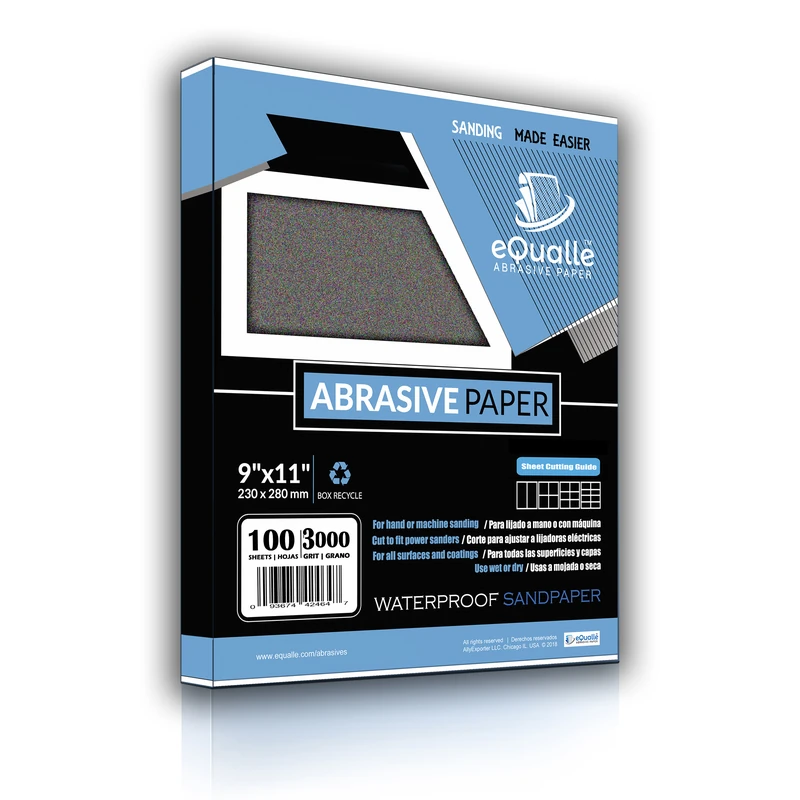
320 Grit Sandpaper Sheets (10-pack) — 9x11 in Silicon Carbide Abrasive for Wet or Dry Use — Fine finishing grit for sanding between coats of paint, primer, or lacquer. Provides smooth, even results for woodworking, automotive, and precision finishing. Works efficiently for wet or dry applications. (Professional Grade).
Frequently Asked Questions (FAQ)
Q: Can I sand porcelain tile with ceramic sanding discs?
A: You can shape the ceramic body or back side with ceramic-grain discs, but for the vitrified face or glaze, flexible diamond abrasives are safer and cleaner. Use light pressure (1–3 lb) and low speed to prevent chipping and heat.
Q: What RPM should I use on a variable-speed polisher for porcelain edges?
A: Start 1,500–2,500 RPM with a soft pad and diamond grits. Keep pressure at 1–2 lb and make short, overlapping strokes. If the disc warms fast, lower speed or add a controlled mist.
Q: How much pressure is “light” on a 5-inch random orbital?
A: Calibrate with a luggage scale. For ceramics, 2–4 lb is a good working range on the body; drop to 1–2 lb for glazed or delicate edges.
Q: Why does my disc glaze and stop cutting after a minute?
A: You’re likely combining high speed with too much pressure and poor extraction. Lower the dial, lighten to 2–3 lb, switch to mesh with vacuum, or drop one grit to restore cut.
Q: What grit sequence should I use for a visible porcelain bevel?
A: Diamond 80–120 to establish, then 200–400 to refine, followed by 800–1500 for satin; continue to 3000 and polish if you want gloss. Keep speed low and pressure minimal throughout.