
Prep Your Pad Right for PSA Sanding Discs
The first time a sanding disc flew off mid-pass, I thought my sander had quit on me. The garage smelled like pine dust and hot rubber, the project was a cherry shelf I’d promised to finish by the weekend, and the clock was not on my side. I’d peeled a fresh disc, stuck it down in a hurry, and got to work. Two minutes in, the edge started to curl. Then the disc launched and the pad skated across the stock, chewing a groove I’d need to fix. I shut everything down, quietly fuming. That night, I learned something most folks don’t know until they’ve lost a disc or a project: you don’t just slap on pressure-sensitive discs and hope for the best. You prep the backing pad like it’s a finish step.
If you’re using psa sanding discs, adhesion lives or dies on the surface you’re sticking to. Any residual adhesive, dust, or oil on the pad gets in the way like marbles under a sheet of glass. Heat softens adhesive, so a hot pad can turn a brand-new disc into a skate. Micro-high-spots from old glue create air gaps, and air gaps become weak spots. Ever peel a disc and see adhesive left behind in patches? That’s the story your pad is telling you: “I wasn’t ready.”
I’m Lucas Moreno, and in the shop, I treat pad prep as part of the process—no different than squaring stock or checking for twist. When you clean, de-grease, flatten, and align properly, discs last longer, don’t creep, and cut more consistently. Whether you’re knocking down body filler, flattening a tabletop, or between coats of lacquer, a disciplined prep routine keeps your workflow tight. In the sections ahead, I’ll walk you through choosing the right discs, prepping the pad, applying with pressure in the right places, and maintaining that sticky success pass after pass. It’s hands-on, no fluff, and it’ll save you time, discs, and a bit of sanity.
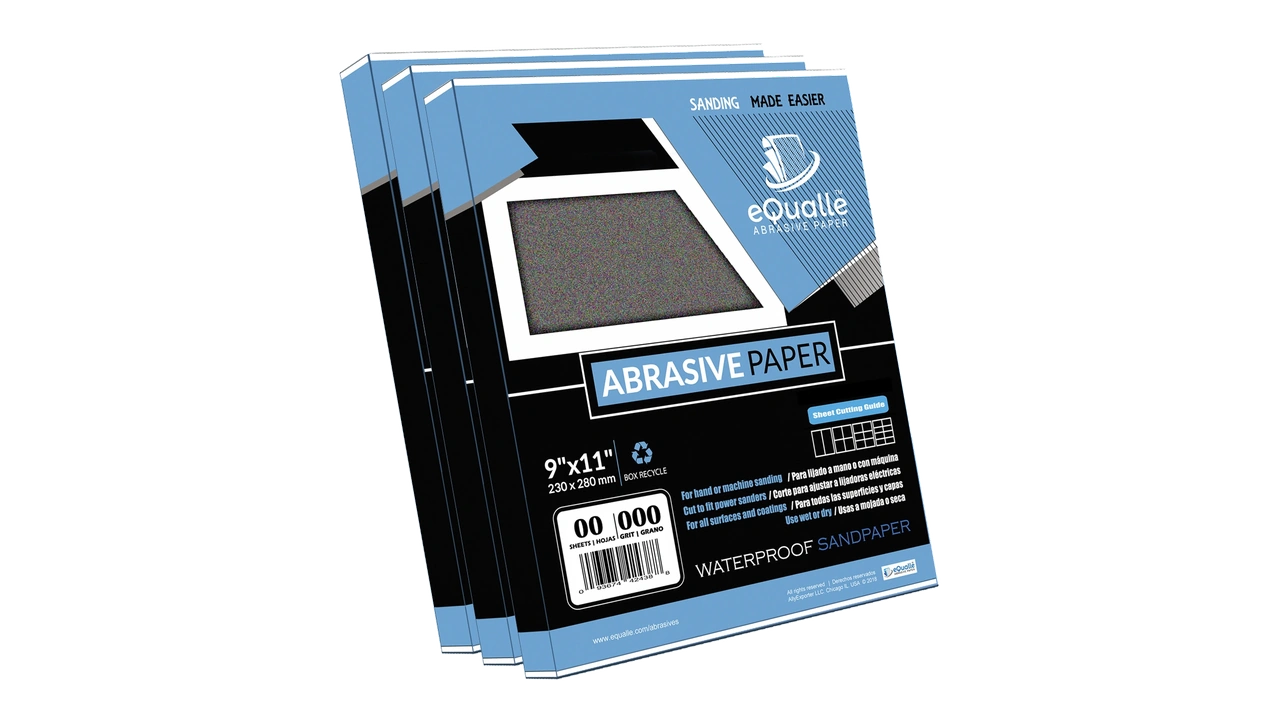
Quick Summary: Clean, de-grease, and flatten the backing pad before applying PSA discs, then align, press, and burnish correctly to maximize adhesion, disc life, and finish quality.
Why Pad Prep Determines Disc Life
PSA success starts with the surface science of your pad. The adhesive on a PSA disc is formulated to bond to a clean, uniform, slightly textured substrate. A dusty, greasy, or hot pad is the opposite of that.
Here’s what’s going on:
- Dust acts like ball bearings. It physically keeps adhesive and pad from intimate contact. Even a fine layer cuts your bond strength dramatically.
- Oils and silicone (from polishes, hand oils, or air-tool lubricants) create a barrier that adhesive can’t wet out. That’s why fingerprints on the adhesive side or pad can cause local edge lift.
- Heat softens adhesives and can off-gas from foam pads. A warm pad will rebalance as it cools, shearing the bond you just created. Start cool, stay cool.
- Old glue islands create high spots. If you’ve ever picked off adhesive with a fingernail, you’ve probably left ridges. Those ridges hold the disc up.
Before you reach for another disc, think of pad prep as its own micro-task.
Practical, shop-tested tips:
- Always let your sander and pad cool to room temperature before a disc change. If it feels warm to the touch, it’s too warm to stick.
- Avoid silicone contamination. Don’t use silicone-based sprays anywhere near sanding stations. Keep your pad separate from finishing benches.
- Keep a dedicated “pad kit”: isopropyl alcohol (90%+), a citrus adhesive remover, a white Scotch-Brite pad, lint-free rags, and a nylon brush.
- Inspect the pad face. If you see shiny islands or dull smears, that’s leftover adhesive—plan to remove it fully before the next disc.
- Replace damaged pads. A pad with cuts, chunks, or permanent high spots will never hold a disc reliably; don’t throw good discs after a bad pad.
When your pad is clean, flat, and cool, your disc bond becomes predictable, your sanding stays consistent, and your discs last longer—simple as that.
Choosing and Handling PSA sanding discs
Not all PSA discs are created equal. Paper weight, film backing, abrasive type, and adhesive formulation all influence how they stick and how they release. Before you even prep the pad, make smart choices with the discs themselves.
What to look for:
- Backing type: Film-backed PSA discs (often in finer grits) conform well and resist edge-tear. Heavier paper backings (C/D weight) are stiffer and great for stock removal.
- Adhesive quality: High-quality pressure-sensitive adhesives stick firmly but release in one piece. Cheaper adhesives tend to shear and leave residue on the pad.
- Grit and coating: Open-coat aluminum oxide sheds dust better in coarse grits; stearate-coated discs resist loading in paints and softwoods; ceramic and zirconia last longer on tough materials.
- Hole patterns: Matched holes improve dust extraction and reduce heat—important for pad temperature and adhesive longevity.
Handling matters too. The adhesive is pressure-activated and time-sensitive.
Field-proven handling tips:
- Store discs flat, in a sealed bag or drawer, away from heat. Heat ages the adhesive and curls the discs.
- Let discs acclimate to your shop temperature for 15–30 minutes. Cold adhesive won’t flow and bond as well.
- Peel carefully. Only touch the liner and the edges. Finger oils on the adhesive side create weak spots that later lift.
- Keep the release liner. After application, use it as a burnishing tool to press the disc evenly without sticking to your fingers.
- If you’re carrying a stack to a jobsite, keep them sandwiched between the liners and a flat board to prevent warping.
By pairing good discs with good habits, you set yourself up for reliable bonds. The best technique in the world won’t save a disc that’s been baked on the dashboard or handled with greasy gloves.
Step-by-Step: Prep the Backing Pad
Here’s my go-to procedure for prepping a random-orbit sander pad before sticking on a PSA disc. Take five minutes, save yourself five discs.
- Power down and disconnect. Unplug the sander or remove the battery. Safety and steadiness first.
- Remove the old disc warm, not hot. If you’ve just finished a pass, let the pad cool until it’s just slightly warm; adhesive releases more cleanly then. If it’s cold and stubborn, warm the pad gently with friction by rubbing a scrap of wood—not a heat gun.
- Strip adhesive residue. Start with a nylon brush to knock off loose material. For stubborn patches, apply a small amount of citrus-based adhesive remover to a lint-free rag and blot—not flood—the pad. Give it 60 seconds, then wipe.
- De-grease. Follow with isopropyl alcohol (90% or higher) to remove any remover residue. Use a fresh, clean rag and multiple light passes. Don’t soak foam pads; moisture can swell them.
- Level the surface. Lightly scuff the pad face with a white Scotch-Brite pad in a circular motion to even out micro-high-spots. You’re not sanding—just deglazing.
- Dust off. Wipe again with a dry, lint-free cloth. Inspect under raking light; the pad should look uniformly matte with no glossy glue islands.
- Check the pad edge. If the foam edge is mushroomed or nicked, trim fuzz with a sharp utility blade at a shallow angle. Replace the pad if deformities extend into the face.
- Confirm flatness. Place a straightedge across the pad. If you see daylight in the center or rocking, your interface pad or pad itself may be warped—swap it out.
- Cool and dry. Wait a minute for any solvents to flash off completely. The pad should be cool to the touch.
- Ready the disc. Peel the liner halfway so you can align without exposing the entire adhesive at once.
According to a article, disc changes are fast and easy with pressure-sensitive adhesive backings.
Build this sequence into your routine, and you’ll notice discs seat flatter, edges stay down, and you’ll get more uniform cuts from the first pass.
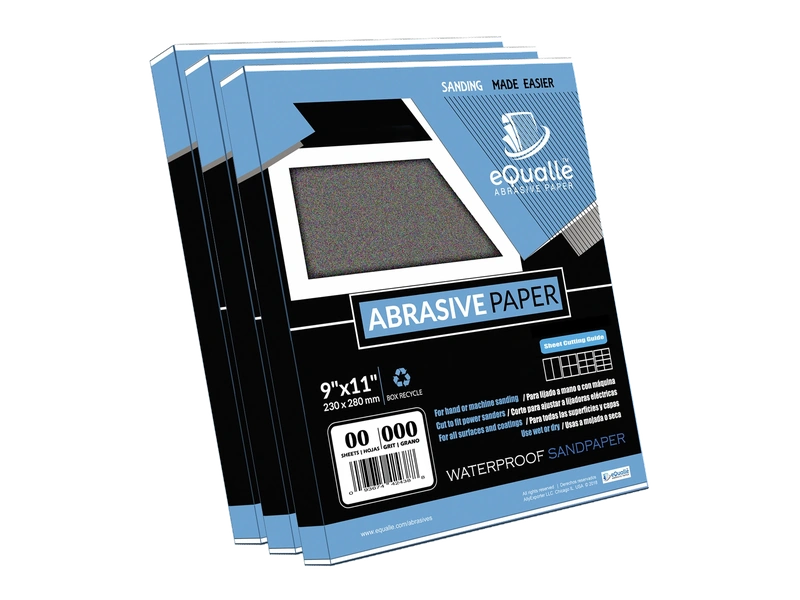
Stick, Seat, and Smooth: Clean Application
Applying a PSA disc is more than “slap and go.” Do it deliberately.
- Align by the center. With half the liner still on, hover the disc over the pad and find center. Use the dust holes as a visual reference if present. Lightly touch the exposed half at the center, then pivot to align the rest.
- Commit with pressure. Once centered, peel the rest of the liner back gradually while pressing from the hub outward in a spiral. You want to push air toward the edge, not trap it under the face.
- Burnish. Place the saved liner over the disc and use your palm or a J-roller to press evenly across the entire surface, again working outwards. Firm, even pressure activates the adhesive fully.
- Edge lock. Spend an extra five seconds circling the outer 1/2 inch. Most failures start at the edge—make it count.
- Dwell time. Let the disc rest for 60–120 seconds before you hit the work. Adhesives gain strength quickly, even in that short window.
- First cut check. Make a light pass on scrap to confirm the disc is seated and running true. Listen for flap sounds (edge lift) and watch for wobble.
Pro application tips:
- Avoid overhang. A disc that overhangs the pad edge invites edge lift and grabs. Match disc and pad diameter exactly.
- No pre-bending. Don’t flex or “break” the disc before sticking; that weakens the adhesive bond at the crease.
- Temperature range. Apply between 60–80°F (16–27°C). Too cold and the adhesive won’t flow; too hot and it goes gummy.
- Keep the dust moving. Turn on your extractor; moving air reduces heat, which protects the bond you just made.
Take one extra minute to apply with intent, and you’ll spend zero minutes chasing peeled edges.
Maintenance and Troubleshooting on the Fly
Even with perfect prep, your workflow matters. Heat, pressure, and dust extraction are the three levers that keep PSA discs stuck and cutting.
Daily maintenance:
- Disc changes: Swap discs before they’re dead dull. Dull grains increase friction and heat, softening adhesive.
- Clean between grits: Before sticking on a finer disc, fully clean the pad again. Coarse-grit dust is abrasive and compromises the next bond.
- Manage heat: Use lighter pressure and let the sander’s weight do the work. Keep the pad flat; tipping concentrates heat at the edge where failures start.
- Extraction: Use a properly matched hole pattern and a high-flow shop vac or dust extractor. Less dust equals cooler, cleaner bonds.
Common problems and fixes:
- Edge lift in minutes: The pad was hot, contaminated, or the disc was misaligned. Cool the pad, clean thoroughly with alcohol, and reapply a fresh disc.
- Adhesive transfer to pad: The disc overheated or the adhesive was poor quality. Clean with citrus remover, de-grease, then switch to a higher-grade disc and reduce pressure.
- Disc won’t stick in cold shop: Warm both the disc and pad to room temp; keep discs indoors and bring them out as needed. A minute in a pocket can help—but don’t overheat.
- Pad face looks shiny and slick: That’s smearing from adhesive. Lightly scuff with white Scotch-Brite and re-de-grease.
- Disc bubbles or humps: Air was trapped. Remove and replace with a new disc; once the adhesive is contaminated by dust or skin oils, don’t try to reposition.
Actionable, quick checks:
- Feel the pad often. If it’s getting hot, take a pause.
- Avoid touching the adhesive. Handle discs by the edge only.
- Rotate tasks. Sand in shorter bursts and do layout or cleanup between grits to let the pad cool.
These small habits keep the bond strong and predictable, reducing wasted discs and smoothing your entire sanding process.
Stop Melting Your — Video Guide
If you’ve ever watched a disc go airborne, you’ve seen the end result of heat and wear. In a lab-style breakdown under a microscope, a pro shows how random-orbit sander pads wear out and why discs fail—especially on hook-and-loop systems. You’ll see how friction melts hooks, how dust clogs extraction, and how pressure and speed choices compound the problem.
Video source: Stop Melting Your Hooks (why sanding discs fly off your sander)
180 Grit Sandpaper Sheets (25-pack) — 9x11 in Silicon Carbide Abrasive for Wet or Dry Use — Reliable grit for producing a uniform texture on wood, metal, or filler layers—often used before varnishing or applying topcoats. (Professional Grade).
Frequently Asked Questions (FAQ)
Q: Can I reuse PSA discs after removing them?
A: It’s not recommended. Once removed, the adhesive picks up dust and loses strength. If you must, store temporarily on its liner, but expect reduced adhesion and performance.
Q: What’s the safest solvent to clean a backing pad?
A: Start with 90%+ isopropyl alcohol for de-greasing. For stubborn adhesive residue, use a citrus-based adhesive remover sparingly, then follow with alcohol. Avoid lacquer thinner or acetone on foam pads—they can swell or degrade the pad.
Q: How long should I wait after sticking a disc before sanding?
A: Give it 60–120 seconds to “wet out” and gain initial bond strength. If your shop is cool, extend to 3 minutes. That small wait improves edge hold noticeably.
Q: Why does my disc edge keep lifting during curved sanding?
A: Tipping the sander concentrates pressure at the edge, generating heat that weakens the adhesive. Keep the pad flat, reduce pressure, and use a softer interface pad if you need more conformity.
Q: Do interface pads affect PSA adhesion?
A: Yes. Interfaces add compliance and can help with contours, but they introduce an extra adhesive layer. Keep the interface spotless, apply at room temperature, and replace it when it shows wear or embedded debris to maintain a strong bond.