
Avoid Pigtails in Random Orbital Sanding
It was a quiet Saturday in the shop, the kind of afternoon when the dust hangs still and the coffee goes cold before you realize you didn’t drink it. My client’s walnut tabletop was clamped to trestles, pencil grid sketched across the surface, and I’d just loaded a fresh 180-grit disc. The random orbital sanding routine was muscle memory by now—vac on, cord over the shoulder, sander flat, steady pace. Ten minutes later, I lifted my raking light across the field… and there they were: faint, corkscrew scratches twitching under the beam. Pigtails. The little saboteurs of a proud finish, the marks that show up when you think you’re done.
I’ve been there more times than I care to admit. Boards that should have sung under oil and varnish looked tired instead—hazy, with those tiny spirals that seem to appear from nowhere. It’s frustrating because you can do “almost everything” right and still be haunted by pigtails if one detail slips: a clogged disc, a lazy vacuum connection, too much pressure because you’re rushing, a disc misaligned by a few millimeters, or a single grit of dust snowplowed under your pad for just a second. One second is all it takes.
But here’s the good news. Pigtails aren’t a mystery; they’re a mechanical outcome with specific causes. Once you set up the right way, adopt a repeatable technique, and learn to read the surface, you can stop swirl marks before they start. Whether you’re sanding bare maple, leveling epoxy, or color-sanding a cured finish, the playbook is the same: control the dust, pick the right pad and disc, keep the machine flat, and move with intention. I’ll walk you through my exact setup and step-by-step process so you can sand smarter—and finish with confidence that holds up under any light.
Quick Summary: Control dust and pressure, keep the sander flat, use the right discs and pads, and follow a disciplined grit sequence with frequent inspections to prevent pigtails.
What Causes Those Pigtail Swirls
Pigtails are spiral-shaped scratches created as your disc orbits while a hard particle, lump of adhesive, or loaded abrasive drags in a tiny circle. Think of them as “recorded accidents”—each one traces back to a specific lapse that’s easy to diagnose once you know the signs.
Common culprits:
- Loaded or worn abrasive: As resin and fines embed into the disc, sharp grains stop cutting cleanly and start scoring.
- Dust starvation: Weak extraction or a leaky hose lets debris ride under the pad.
- Misaligned discs: Holes not matching the pad or a disc not centered can starve extraction and create wobble.
- Contaminated pads: Sawdust stuck in the hook-and-loop, dried finish flakes, or adhesive lumps under the disc.
- Too much pressure: Leaning on the sander collapses the pad, turning it into a plow.
- Wrong pad or stroke: A soft pad on flat stock can dish; a long-stroke sander on brittle finishes can dig.
- Speed and motion: Crawling too slowly in one spot or tipping the sander on an edge telegraphs swirls.
Telltales to confirm:
- Patterns that repeat in a tight spiral, visible under raking light at 20–30 degrees.
- More pronounced marks after stepping up in grit (because they weren’t fully removed earlier).
- Localized clusters near edges or knots, where dust builds and the machine gets unstable.
Actionable tips:
- Purge the disc every minute with a quick vacuum pass or compressed air (hold the nozzle at an angle).
- Replace discs as soon as cutting slows—not when they’re bald. A “tired” disc is a pigtail factory.
- Keep the sander absolutely flat. If it chatters on edges, add an interface pad or hand-sand the edge.
Dialing In Random Orbital Sanding Setup
Your setup either invites pigtails or shuts them down. Dial this in once, and it pays off on every project.
Core components:
- Sander: A 5" ROS is nimble; a 6" cuts flatter and pairs better with dust extraction. For delicate finishes or between coats, a shorter orbit (3/32" or 2.5 mm) is safer; for stock removal, a 3/16" or 5 mm stroke works faster.
- Pad hardness: Hard pads stay flat on tabletops; medium pads balance contour and flatness; soft pads or foam interfaces conform to curves but can dish flats if you push.
- Discs and hole pattern: Use discs that match your pad’s hole layout or go with mesh/net abrasives that breathe everywhere. Film-backed discs leave a cleaner scratch than paper on finer grits.
- Dust extraction: A vac with adjustable suction and an anti-static hose is nonnegotiable. Too much suction can pin the sander, causing “stiction”; too little leaves swarf under the pad.
Setup checklist:
- Center the disc carefully—spin it by hand and eyeball the edge. Off-center discs vibrate and starve extraction.
- Confirm hose and cord management. Drape both over your shoulder or suspend them so they don’t drag the sander sideways.
- Set speed to the middle-high range (about 4–5 on most dials) for bare wood; lower (2–3) for finishes and edges.
Workshop tips:
- Interface pads are consumables—dedicate one for rough work and one for finish work to avoid cross-contamination.
- Wipe the hook pad with a clean nylon brush to eject dust; don’t blast compressed air into the sander bearings.
- If your vac has a bleeder valve, crack it open just enough to keep the sander gliding; if not, lightly vent the hose at the cuff with your fingers.
A Step‑By‑Step Process That Prevents Swirls
Here’s the exact flow I use on flat panels and tabletops to prevent pigtails. Adapt the grits to your material, but keep the logic intact.
- Mark and prep
- Pencil a light grid across the surface. It’s the simplest “witness mark” to prove you hit everything.
- Vacuum thoroughly, then wipe with a dry microfiber. Avoid tack cloths on bare wood; some leave residue.
- First grit pass
- Start with the lowest grit that removes mill marks without tearing fibers (often 120 on clean planer stock, 80–100 if rough).
- Keep the pad flat. Apply only the weight of the sander plus a gentle guiding hand.
- Move at roughly 1–2 inches per second with 50% overlap, like mowing a lawn. Let the vac eat; don’t outrun the dust.
- Clear and inspect
- Stop. Purge the disc. Vacuum the work, then sweep a raking light across the surface.
- Pencil lightly again. If lines remain after a single smooth pass, stay on that grit. Don’t climb early—you’ll only lock in scratches.
- Grit progression
- Advance by sensible steps (e.g., 120 → 150 → 180 → 220 on hardwood; stop at 180 for open-pored stains).
- At each grit, cross-hatch your pattern by rotating your body 90 degrees. This evens the micro-scratch field and reveals outliers.
- Edge and detail control
- Edges burn fast. Either hand-sand edges at each grit or use a foam interface with featherlight pressure.
- For openings and inside corners, hand-sand with a firm block to stay flat.
- Final verification
- After your last grit, wipe with denatured alcohol or a compatible solvent to preview the scratch pattern.
- Double-check under raking light from two directions.
If you’re color-sanding cured finishes (paint, lacquer), use a short-stroke sander, keep speeds low, and consider wet sanding with rated equipment; water and electronics don’t mix, so I favor pneumatic tools for that. For more on how stray particles create pigtails under an orbital, this aligns with real-world experiences from the field—According to a article.
Three no-nonsense tips:
- Use a clean “break table” to stage discs face-up; never drop them on dusty benches.
- Change discs more often on resinous woods (pine, fir) and epoxy; they load sooner than you think.
- If you hear the tone of the sander change, stop and check—sound often warns before swirls appear.
Discs, Grits, and Dust Extraction That Work
Abrasives aren’t all the same. The wrong disc can skate, clog, or cut erratically. The right one erases fibers and leaves a consistent scratch pattern that polishes out clean.
Abrasive choices:
- Film-backed discs: Excellent for 150 and finer; they resist tearing and keep scratch patterns uniform.
- Mesh/net discs: Superb dust evacuation and cool cutting, especially on softwoods and epoxy. Pair with a pad protector.
- Ceramic/precision-shaped grains: Aggressive and long-lasting for coarse grits (80–120) without deep random tracks.
- Stearated discs: Resist loading on resinous woods; just avoid on finishes where additives may interfere with adhesion.
Grit strategy:
- Don’t skip more than 1.5× your grit number. Example: from 120, step to 150 or 180, but not 220.
- Stop early for stain-grade work (often 150–180); going too fine can close the grain and blotch.
- On epoxy or cured finishes, consider 220 → 320 → 400 for a polish-ready surface before buffing.
Dust extraction tactics:
- Use a vac with auto-start and a clean HEPA bag or cyclonic separator. A full bag cuts airflow and invites pigtails.
- Align disc holes precisely or use mesh discs so the entire pad breathes; starved holes create local dust pockets that etch spirals.
- Adjust suction: too strong pins the pad and makes it skid; too weak lets dust snowplow.
Actionable tips you can try today:
- Keep a cheap white card or paper towel nearby—wipe your disc against it. If you see dark streaks, it’s loading; swap it.
- Add a pad protector when using mesh nets; it preserves your hook pad and keeps the interface clean.
- For maple and other swirl-prone woods, finish one grit lower than you think, then burnish lightly by hand with the same grit on a hard block.
Troubleshooting and Repairing Pigtails
Even with discipline, a stray spiral can sneak in. The fix is systematic, not heroic.
Find them fast:
- Kill the room lights and use a strong raking light at 20–30 degrees. Cross-light from two sides.
- Circle each pigtail with a soft pencil; don’t trust your memory.
- If you see them only after finishing, breathe—most can be leveled and polished out with the right steps.
Erase the problem, not the project:
- Drop 1–2 grit levels from your last pass (e.g., if you ended at 220, go back to 150–180) and spot-sand the circled areas flat, keeping the pad absolutely parallel. Then feather out and resand the entire panel at that grit to blend.
- For epoxy and cured finishes, use a hard pad and short stroke to stay flat. Wet-sanding with film or mesh can help float debris away—only with gear rated for wet use.
- On open-pore woods, keep the extractor strong and discs sharp; loaded discs mash grit into pores and telegraph swirls later under finish.
Prevent the recurrence:
- Clean the hook pad. If you feel a bump with your fingertips, it will draw a spiral. Replace a shedding or lumpy pad.
- Check disc centering and hole alignment every change. A 2 mm offset can starve dust collection.
- Ease up. If the sander slows audibly or your forearm aches, you’re pushing too hard.
Quick field fixes:
- A rubber crepe block or disc cleaner can extend disc life mid-pass, but if in doubt, replace the disc.
- If you’re stuck hand-sanding, use a hard, flat block with the same grit you left off on; cross-hatch lightly and recheck under light.
10 Random Orbital — Video Guide
There’s a solid short video that rounds up ten practical random-orbit tips while comparing performance across several sanding discs. It covers how pressure, speed setting, hole patterns, and disc materials change cut quality and dust control in the real world. You’ll see why some discs resist loading better and how extraction keeps the scratch pattern crisp instead of hazy.
Video source: 10 Random Orbital Sander Tips
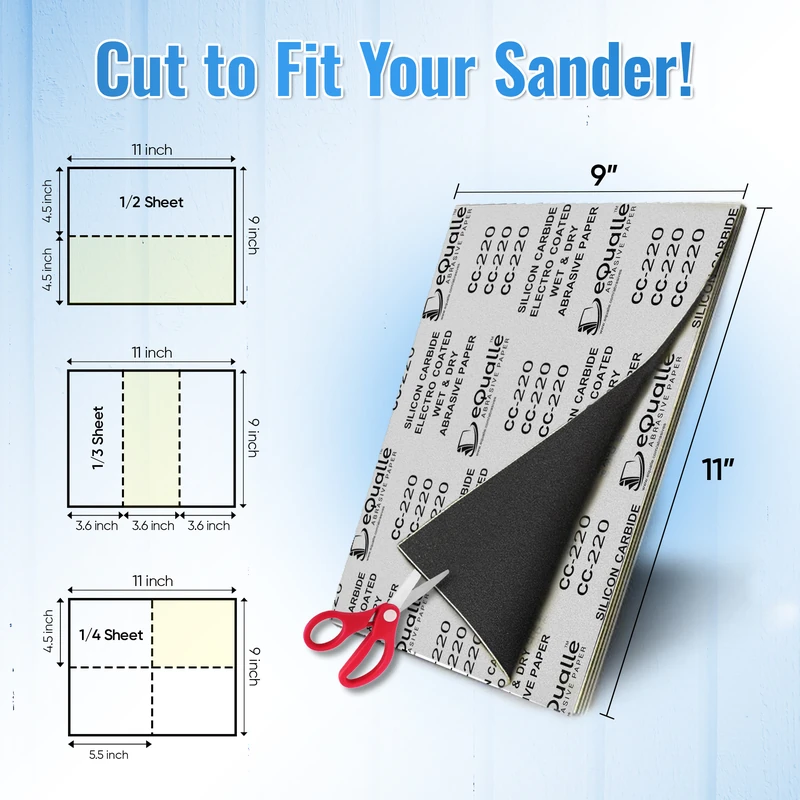
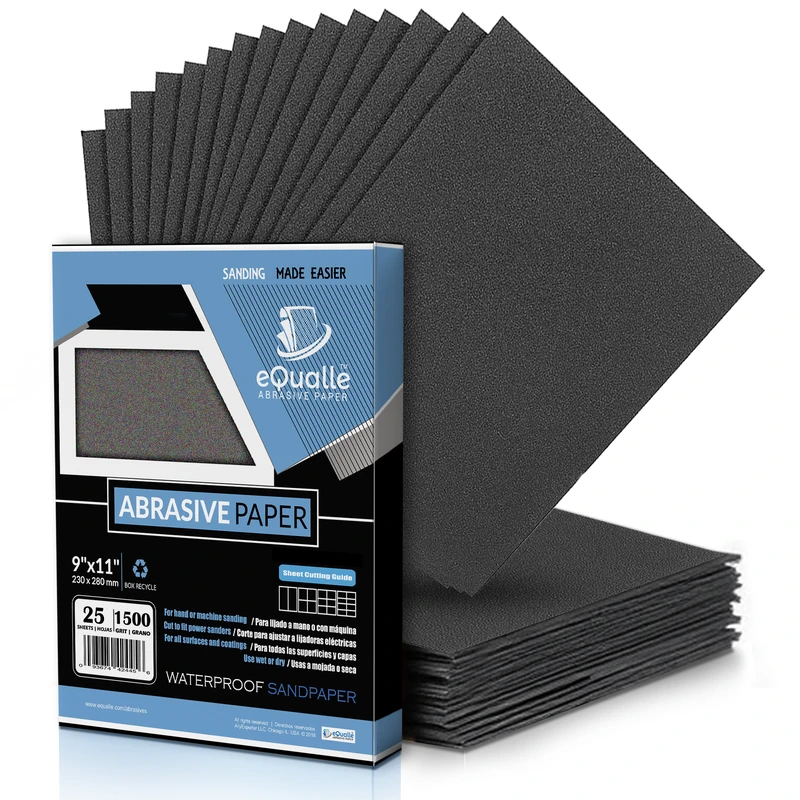
220 Grit Sandpaper Sheets (100-pack) — 9x11 in Silicon Carbide Abrasive for Wet or Dry Use — Fine finishing grit for final surface preparation before painting or coating. Offers uniform cutting on wood, metal, and plastic. Leaves a smooth, paint-ready finish suitable for wet or dry sanding. (Professional Grade).
Frequently Asked Questions (FAQ)
Q: Why am I getting pigtails even with dust extraction on?
A: Two common reasons: the disc is loaded or the extraction path is compromised. Purge or change the disc, ensure the holes align with the pad, and check for leaks or a full vac bag. Also verify you’re not pressing down—excess pressure collapses the pad and traps debris that etches spirals.
Q: What speed setting should I use on a random orbital sander?
A: For bare wood, mid-high (around 4–5) maintains cut and keeps dust moving. Drop to 2–3 on cured finishes, edges, or with foam interfaces to avoid heat and swirl telegraphing. Always test on scrap and let dust extraction be your governor—if the sander feels “stuck,” reduce suction slightly.
Q: Is wet sanding safe with a random orbital sander?
A: Only with tools rated for wet use, ideally pneumatic models. Water near electric sanders is risky for you and the tool. On automotive finishes and epoxy, wet sanding can help float particles away and reduce clogging, but keep speeds low, use film or mesh abrasives, and dry the surface thoroughly between grits.
Q: How often should I change sanding discs to avoid swirls?
A: Sooner than most people think. On hardwoods, a quality 150–180 grit disc might handle 20–30 square feet of steady cutting; resinous woods and epoxy can halve that. Replace when the disc warms the surface, the sound dulls, or dust starts to smear—those are pigtail warnings.
Q: Do I need a hard or soft pad to prevent pigtails?
A: For flat work, a hard or medium pad keeps the surface true and reduces dish-out that can exaggerate swirls. Reserve soft pads or foam interfaces for curves and profiles. If you must use a soft interface on flat stock, lighten pressure, lower speed, and extend your final pass slightly to even the scratch field.