
Sander Interface Pad: Inspect Wear, Keep It Flat
You know the moment: lights warm the shop, coffee’s cooling on the bench, and the orbital whirs up to speed. You’ve got a cabinet door you’ve already milled true on the jointer, cauls, and clamps. It should be easy land for a quick, clean final prep. But the sander skates differently today—just a hair off, a faint wobble you can feel more than see. Ten minutes later, you hold the piece edgewise to the light and the truth glares back: a bright ring near the panel’s perimeter and a dish in the center. Flatness got away from you. I’ve been there more than once, and I’ve learned the culprit isn’t always the abrasive or your technique. Sometimes it’s the pad itself—or the sander interface pad riding on top—that’s quietly steering your results.
When a backing pad (or the interface pad you’ve added) wears unevenly, you start to sand what the pad’s shape dictates, not the surface you intend. The edges “dig,” corners round over faster than they should, and pencil marks vanish unevenly. Worse, you chase the defect with more pressure, heating the pad, glazing the abrasive, and making everything worse. For hobbyists, that can mean more time and sandpaper. For pros, it becomes rework you cannot bill for. The fix is deliberately simple: treat pad inspection as part of your prep. Keep your pad flat, interfaces fresh, and your pressure honest. When you do, your sander becomes a faithful gauge block on air, not a roulette wheel.
Today I’ll walk you through my process—how to spot pad wear before it costs you flatness, when and how to employ a sander interface pad without losing control, and the dead-simple checks I run at the bench and on-site. Expect hands-on steps you can use right away: tests with glass, pencil grids, and paper shims; choosing firmness and thickness in interface pads; and building a maintenance rhythm. Whether you’re surfacing a table leaf, leveling lipped face frames, or prepping a high-gloss finish, the goal is the same: keep the pad true so the surface stays flat. Let’s get to work.
Quick Summary: Consistent flatness comes from a healthy backing pad, the right sander interface pad when needed, light pressure, and regular inspection using quick, repeatable checks.
Why Flatness Depends on Pad Health
Random-orbit and rotary/orbital sanders translate motor motion through a backing pad. That pad’s face becomes the effective “plane” you’re pressing to the work. If the face isn’t flat—because the foam’s collapsed, the edge has dished, or the hook-and-loop has lumpy contamination—you will sand a shape that mirrors those flaws. That’s how you end up with crowned center panels or rounded stile edges even when you thought you were working carefully.
Edge wear is the number-one flatness killer. The pad’s outer 10–12 mm sees more friction because it covers more distance each orbit. If you habitually lean or tilt to “erase” a mark, heat builds and the edge softens. Over time, a soft ring forms that wants to bite, so your sander starts to rock. Another invisible culprit is clogged hook-and-loop. Dust and finish residue collect in the hooks, creating high spots under the disc. You’ll notice abrasives don’t sit perfectly flat, and they shift or “creep” under load. That micro-wobble telegraphs straight to the surface.
What about the sander itself? A healthy machine helps, but even the best motor and bearings can’t fix a deformed pad. Pad flex and density matter. A very soft or tired pad conforms to undulations, which is useful for profiles but disastrous for flattening. For boards you’ve already planed true or for joinery you want to keep crisp, you need a firm, intact pad that doesn’t collapse at the edges under normal hand pressure.
Three fast checks I run before I touch a workpiece:
- Spin test: With the sander off, spin the pad by hand and sight the edge against a fixed background. A hop or wave means the face isn’t true.
- Finger roll: Roll your fingertips around the pad’s perimeter. If the edge feels “mushy” compared to the center, it’s time to retire it or reserve it for contours.
- Hook-and-loop drag: Press a disc on, peel it back, and see if the hooks grip evenly. If sections release with almost no resistance, the face won’t hold flat.
Consider this section your reminder: a flat result starts with a flat pad. Everything else builds on that.
Choosing and Using a sander interface pad
A sander interface pad is a foam cushion that sits between your machine’s backing pad and the abrasive. Used well, it’s a powerful tool; used blindly, it’s the quickest way to lose flatness. The interface adds compliance, letting your disc follow gentle profiles, knock down orange peel without cutting through, and reduce chatter on thin or flexible stock. But every millimeter of foam is also a lever that can round edges if you push or tilt.
Pick interface thickness with intent:
- 2–3 mm, firm: Best for maintaining near-flat work while softening the cut, especially with higher-grit discs (P240 and up) to refine finishes.
- 5 mm, medium: Good for complex curves, bevel transitions, and delicate veneer where you must avoid telegraphing pressure points.
- 10 mm, soft: Strictly for sculpted profiles or aggressive smoothing of texture—never for flattening panels or leveling joinery.
Density matters as much as thickness. A “firm” 3 mm interface on a stiff backing pad keeps you in control. A spongy 5 mm on a soft backing pad doubles the problem. If your goal is flatness, start with the firmest combo you can manage and add just enough cushion for the task.
Set up in a few precise steps:
- Clean contact faces. Dust in the hook-and-loop layers acts like marbles under the disc. Blow out both the backing pad and interface pad hooks with compressed air or a soft brush.
- Align hole patterns. Misaligned dust ports reduce extraction and increase heat, accelerating edge wear.
- Seat the stack. Press from the center outward to avoid trapping air. If your interface includes a stiffened center, make sure it’s truly centered.
- Test-cut on scrap. Pencil a light grid on a flat board and make a few overlapping passes with minimal pressure. The grid should fade evenly. If the edges clear first, your interface is too soft or your pressure is heavy.
Three actionable tips to keep an interface from ruining flatness:
- Use a hard backing pad under a thin interface when you need just a touch of give; avoid stacking multiple interfaces.
- Keep pressure honest—let the grit do the work. If your sander bogs or heats up, your interface may be too soft or your abrasive too dull.
- Reserve dedicated interfaces for profiles and one firm, thin interface for finish sanding. Label them so you don’t grab the wrong one mid-project.
Hands-On: Inspect, Test, Replace
Routine inspection is how you protect the workpiece before you ever touch it. Build these quick checks into your setup and you’ll spot problems early.
Step 1: Visual and tactile assessment
- Remove the abrasive. Look for melted or glossy foam, torn hook-and-loop, and flattened edges. Run your thumbnail lightly across the pad face; note any ridges or soft, crumbly spots.
- Check runout. Mount the pad and spin by hand. A rhythmic “wave” hints at a deformed pad or debris on the mounting face.
Step 2: Flat glass and shim test
- Lay a piece of thick, known-flat glass on the bench. Pencil a light grid on a clean abrasive disc (P120 or P150) and stick it to the pad.
- Place three paper shims (printer paper strips) at 120-degree intervals under the disc, between the paper and the glass.
- Gently lower the sander onto the glass without power. Pull the shims. Ideally, they resist equally. If one slides free easily, your pad face is high elsewhere or the edge is collapsed.
Step 3: Marker fade test
- On a flat scrap, draw a light pencil grid. With the sander powered, run the machine with no more than the weight of your hands, pad flat, two passes. Observe which lines disappear first. If they fade faster at the edges, your pad or interface is too soft or worn.
Step 4: Heat check
- After a 60-second run at moderate speed, feel the pad edge and center. A hot edge with a cool center indicates excessive edge friction—often a soft-edged pad or overpressure.
When replacement time comes, don’t wait. Pads are consumables. Remove the pad per your sander’s manual—most use a center bolt or multiple small screws. Clean the mounting face on the sander with a lint-free cloth. Seat the new pad, applying threadlocker if the manufacturer specifies, and torque screws evenly in a star pattern to avoid introducing warp.
According to a article, regularly inspecting and replacing worn pads directly improves finish quality and sanding efficiency. I’ll second that: you feel the difference immediately in how the machine floats.
Interface pads deserve the same scrutiny. Retire them when:
- The foam edge is visibly chamfered or “rolled.”
- Hook-and-loop no longer grips evenly around the perimeter.
- You’ve saturated the pad with finish dust and cleaning doesn’t restore bite.
Two pro practices to close the loop:
- Keep a “flat work” kit. One hard backing pad, one firm 2–3 mm interface, and fresh abrasives in P120–P320. When the goal is flat, you reach for this kit every time.
- Date your pads. A paint marker on the hub tells you how long a pad has been in service. If flatness matters on a job, start with a young pad.
Keep It Flat: Habits and Setup
After you’ve dialed in pad and interface health, your daily habits cement flatness into your workflow.
Grip and pressure
- Two-hand control with a relaxed, level wrist is non-negotiable. Your lead hand keeps the pad flat; your rear hand steers.
- Let the machine’s weight and fresh grit do the cutting. If you see dust darken and stop flowing, change discs—don’t lean.
- Avoid edge starts. Land the pad fully on the surface, already spinning at speed, then move. Starting on an edge invites a bite and a divot.
Pass pattern and timing
- Use overlapping, straight passes with a predictable cadence. I count “one-one-thousand” per 8–10 inches of travel. Too fast polishes; too slow heats and grooves.
- Step your grits logically. For flattening, avoid jumping more than one grit size at a time. Skipping increases pressure and risk.
Dust extraction and heat
- High airflow keeps the pad cool and the disc cutting. Verify hole alignment on every change and sweep the hooks clean.
- If you feel rising heat, pause. Heat softens foam and collapses pad edges. Rotate to a fresh disc or drop one grit coarser to keep pressure light.
Storage and rotation
- Store pads flat, face-up on a clean shelf. Hanging foam pads by the hub can distort them over time.
- Keep a sacrificial “pad saver” disc on the backing pad when not in use. It protects the hooks and prevents debris imprinting.
- On multi-screw pads, loosen and re-torque in a star pattern after a few hours of run time to relieve any stress that could warp the pad face.
Three shop-proven tips:
- Pencil the work. A faint grid tells you truthfully where you’re cutting and when to stop. Erase the grid evenly; don’t chase single spots.
- Use a bright raking light. Shadows exaggerate dish or rocking; adjust immediately if you see a halo at the edges.
- Separate tasks: hard pad (no interface) for leveling lips or glue lines; firm thin interface for finish sanding only.
Remember, the most common mistake I see—both in shops and on-site installs—is using a soft interface everywhere because it “feels safe.” It is safe for profiles, not for flatness. Calibrate your setup to the work, not the other way around.
New Sanding Setup...New — Video Guide
In this short clip, the creator outfits a Festool RO 150 with Sia Abrasives’ SiaSpeed paper and a Mirka interface pad, then sands real-world panels. It’s a practical look at how changing paper and adding an interface affects cut, control, and surface temperature on a robust random-orbit platform.
Video source: New Sanding Setup...New sand paper and interface pads for my Festool RO 150
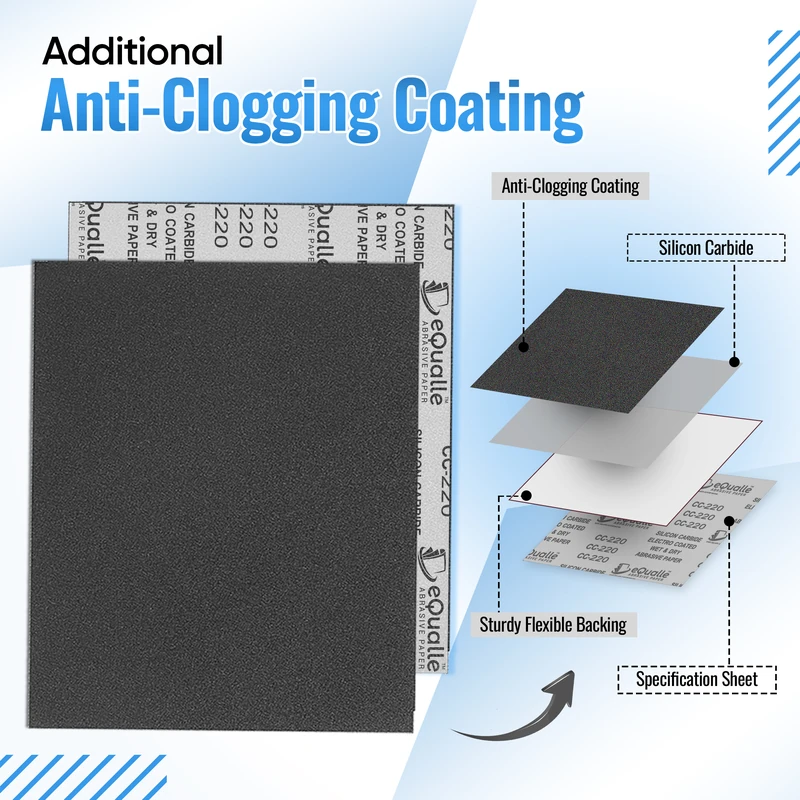
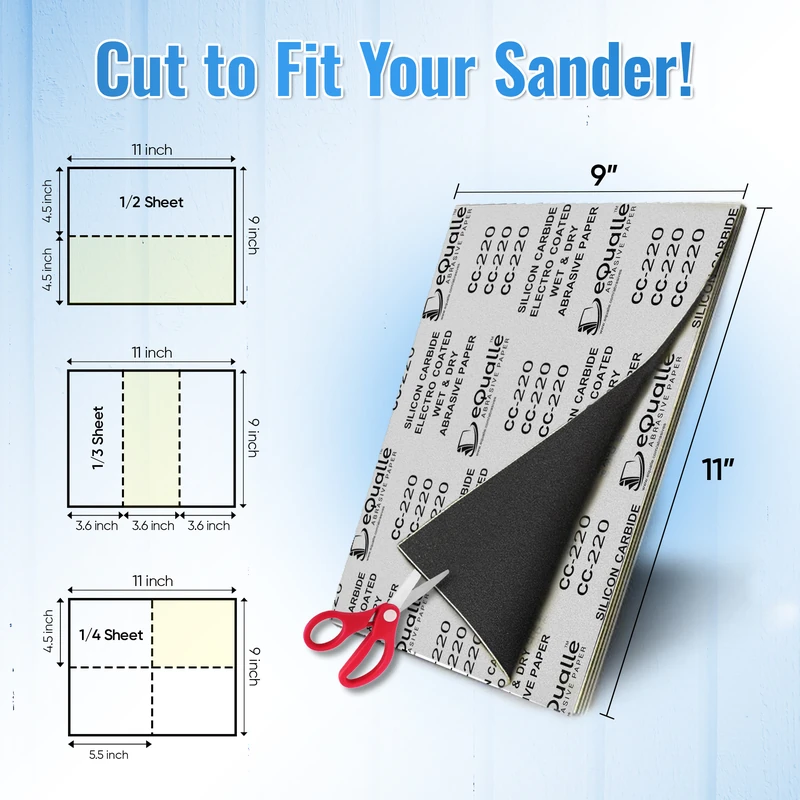
360 Grit Sandpaper Sheets (100-pack) — 9x11 in Silicon Carbide Abrasive for Wet or Dry Use — Ultra-controlled abrasive for gentle refinement and removing faint imperfections before clear coating or buffing. (Professional Grade).
Frequently Asked Questions (FAQ)
Q: How often should I inspect my pad for wear?
A: For daily users, give the pad a quick look and fingertip check before each session and a thorough inspection weekly. Hobbyists should inspect every few projects or any time flatness seems off.
Q: What are the telltale signs my pad is causing dish-out?
A: Uneven pencil grid fade (edges clearing first), hot pad edges, a slight rocking feel at startup, and abrasive discs that don’t grip evenly around the perimeter are clear indicators.
Q: Do I need a sander interface pad for every job?
A: No. Skip the interface when leveling surfaces or maintaining strict flatness. Use a thin, firm interface for finish sanding or a thicker one for profiles and contoured work.
Q: Will a harder pad scratch more or leave swirl?
A: A hard pad transfers pressure more directly, so choose the right grit and keep pressure light. With proper dust extraction and fresh abrasive, a hard pad often reduces swirl by keeping the disc truly flat.
Q: Can I revive a glazed or clogged hook-and-loop face?
A: Sometimes. Blow out dust with compressed air and brush lightly with a nylon brush. If hooks are melted, shiny, or torn, replacement is the only reliable fix.