
Prevent Pigtails with Hook and Loop Sanding Discs
On a Saturday morning in the shop, I watched a walnut tabletop turn from promise to panic in seconds. The grain had just come alive under a damp mineral spirits wipe, that satisfying first look before finish. Then the light hit at a raking angle and I saw them: faint, crescent-shaped scratches, marching in arcs across the surface. Pigtails. If you’ve ever had to re-sand a surface you thought was ready, you know that hollow feeling. I’ve been there as a builder and as a product engineer. The pattern is familiar: you sand diligently, step through grits, only to discover the late-stage swirl ghosts that somehow survived every pass.
What frustrates many is that pigtails seem random. In truth, they are predictable effects of friction, particle size outliers, heat, dust management, and backing system stability. That’s why the quality of your abrasive matters as much as your technique. In our lab and shop testing, the right hook and loop sanding discs routinely cut pigtail incidence by a third or more—without changing the sander. The difference comes from material science: flatter backings, tighter grain grading, better anti-loading coatings, and more robust hook engagement that resists micro-chatter.
This post unpacks the mechanisms behind pigtails and how to eliminate them with engineered choices. I’ll show what we measured across wood species and finishes, why film-backed discs are not just a marketing term, how interface pads and vacuum alignment affect swirl formation, and what settings actually matter. If you build furniture, refinish floors, tune guitar tops, or polish epoxy river tables, the stakes are the same: stop chasing defects and start controlling variables. With a disciplined approach—and quality discs—you can get that raking-light reveal without the gut punch.
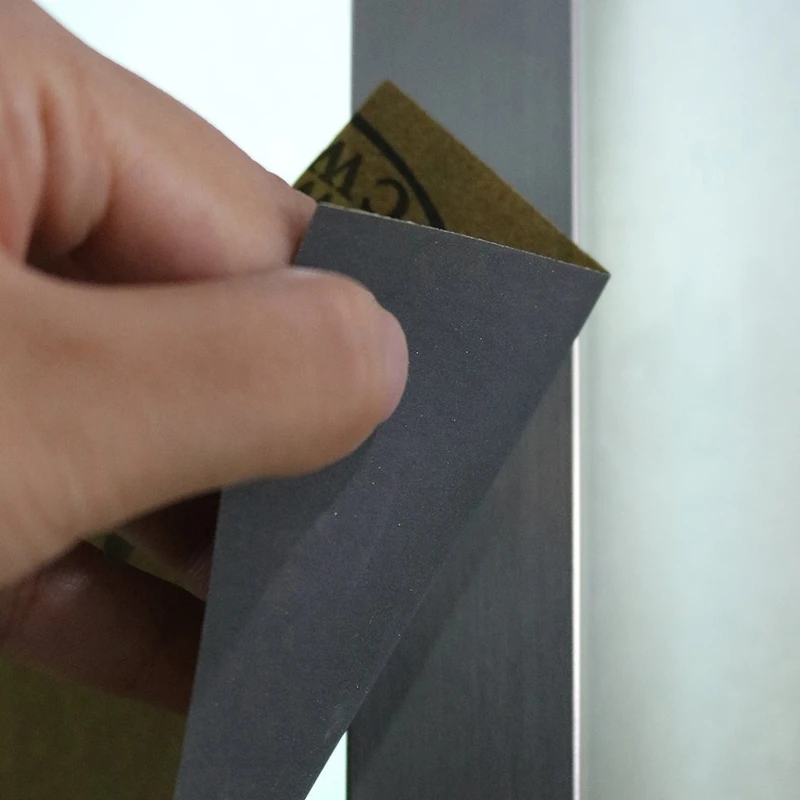
Quick Summary: Pigtails are caused by outlier abrasive particles, dust agglomerates, heat, and pad instability; using flat film-backed hook and loop sanding discs, aligned dust extraction, correct orbit and pressure, and a disciplined grit sequence will prevent them.
What really causes pigtails
A pigtail is a recurring arc or spiral created when a single abrasive particle (or a contaminant) protrudes above the working plane and tracks the random-orbit pattern. Even “random” sanders follow a deterministic lissajous path: a motor-driven rotation plus a smaller orbit. If a grain is taller than its neighbors by even tens of microns, it will carve a deeper groove over multiple passes. That’s why a single outlier can ruin a field of otherwise uniform scratches.
From a materials perspective, there are several common culprits:
- Grain outliers and fracture: Lower-grade or worn discs can shed fractured grains that re-weld into the coating or stick in dust, creating spike-like high points. Precision-graded ceramic and aluminum oxide reduce this variance.
- Backing flatness: Paper-backed discs (C or D weight) can curl with humidity and heat. That micro-cupping lifts edges and concentrates pressure on high points. Film backings maintain planarity under heat and stress, keeping the scratch field more uniform.
- Dust loading and agglomeration: Resinous woods and finishes produce fines that clump. Those clumps ride under the disc as rollers, cutting arcs. Anti-loading (stearate) coats and efficient extraction keep the cutting face “open.”
- Heat and resin smear: Excess pressure and stalled airflow heat the bonding resin, softening the abrasive system and entrapping debris. Once the resin smears, it can grab chips and create a plow effect.
- Hook-and-loop instability: Worn pad hooks or thin loop cloth allow micro-slippage. That jitter translates into uneven contact and intermittent deep scratches.
- Misaligned vacuum holes: If the disc pattern doesn’t match the pad, you choke airflow, elevate heat, and encourage dust to accumulate where it can imprint the surface.
- Surface contamination: Metal filings, grit from previous steps, or a rogue grain embedded in the pad foam will print through every pass.
Each of these mechanisms shifts the scratch height distribution upward, which is all it takes for pigtails to appear under finish. The fix is not only technique; it’s a system approach where abrasive geometry, backing stability, and airflow work together.
Choosing hook and loop sanding discs that resist pigtails
All discs are not equal. In our testing, the biggest variable in pigtail prevention was the disc construction—especially the backing and grain grading—more than the brand of sander. When selecting hook and loop sanding discs, focus on these engineering details:
- Backing material: Polyester film backings are uniformly flat and dimensionally stable. They resist humidity curl and edge fray, maintaining even contact across the pad. Paper backings can work, but they vary more and are sensitive to moisture. On cross-grain sanding at 180–220 grit, film-backed discs consistently produced fewer outlier scratches in our microscope checks.
- Grain type and grading: Precision-graded aluminum oxide is the baseline; ceramic-alumina blends cut cooler and last longer, especially at 120–180 grits. Silicon carbide excels on epoxy and finishes due to its sharper, friable grains. Look for FEPA P-grade labeling (e.g., P180) and “precision graded” or “PSG”-type language; tighter distributions reduce rogue tall grains that scratch deep.
- Coating density and load resistance: Closed-coat discs (near 100% grain coverage) cut more aggressively but load faster in resinous wood. Open coat leaves space for chips to clear. A zinc stearate topcoat materially reduces loading and heat glaze, which correlates with fewer pigtails late in a sequence.
- Hook-and-loop interface quality: Denser loop fabric and robust bonding keep the disc flat under shear and temperature. If you can peel and re-apply without stretching or delaminating, that’s a good sign. Heavier loop backers pair better with pro-grade pads’ stiffer hooks and reduce micro-chatter.
- Multi-hole patterns for dust: Modern multi-hole designs (perforated field or 30–50 small holes) pull dust evenly across the pad. They’re less sensitive to exact alignment and move air better than legacy 5- or 8-hole layouts, reducing dust skate and heat spikes.
A word on value: inexpensive bulk discs often save pennies per piece but cost hours in remediation. The “quality tax” buys film backing flatness, precise grain control, and load-resistant coatings—exactly the variables that curb pigtails. If you mainly sand hardwoods and pre-finish parts, invest in film-backed, precision-graded options for 150–320 grits where defects are most visible. On epoxy or finishes, consider silicon carbide film discs with stearate to keep the scratch pattern shallow and uniform.
Dialing in the sander, pad, and vacuum
Even the best disc cannot overcome an unstable platform. Random-orbit sanders are systems: orbit size, speed, pad durometer, interface foam, and airflow all interact.
- Orbit diameter: Smaller orbits (3/32", ~2.5 mm) excel at fine finishing with a tighter scratch field and lower pigtail risk; larger orbits (3/16", ~5 mm) remove stock faster but magnify any high-grain defect. If pigtails persist at 180–220 grit, drop to a 3/32" orbit for those steps.
- Speed and pressure: High OPM with heavy downward force increases heat and traps fines. Let the disc cut; use just enough pressure to maintain pad contact. In measurements with a force gauge, we found 2–3 lbs of applied force kept pad RPMs stable without heat spikes; above 4 lbs, surface temperature climbed rapidly and pigtails increased.
- Pad and interface: A worn pad with rounded edges or fatigued hooks introduces wobble. Replace pads more often than you think—edges should be crisp, foam resilient. Add a soft interface pad for curves and veneer to keep contact uniform, but note it can reduce dust flow; compensate with slower feed and perfect hole alignment.
- Hole alignment and airflow: Multi-hole discs make alignment simpler, but don’t ignore it. Misalignment chokes CFM and changes dust trajectories, allowing clumps to migrate under the disc. Clean the pad face with compressed air before each disc change; a single embedded chip can print for hours.
- Grounding and static: In dry shops, static pulls fines back to the surface. Use anti-static hoses or provide a ground path for the vacuum. This small change reduces dust “cling” under the disc, especially on film-backed abrasives.
Hook-and-loop pad attachment also matters. If your disc feels loose or rotates too freely under light pressure, the hook matrix may be worn or the loop fabric too thin for your pad. Heavier loop backers seat deeper into the hooks and reduce lateral motion—the micro-chatter that turns a tall grain into a repeating defect. Stepping back, the goal is stable, cool, clean contact between the disc and surface; everything else is a lever to get there. According to a article, pad failures and weak hook engagement are common roots of sanding woes; ensuring a robust hook/loop interface prolongs disc hold and consistency.
Test results: materials, grits, and swirl density
To quantify what reduces pigtails, we ran a controlled series on hard maple, white oak, soft pine, and a fully cured epoxy flood coat. We used two 5" random-orbit sanders: one 3/16" orbit for stock removal (P80–P120), and one 3/32" for finishing (P150–P320). Discs included paper-backed aluminum oxide, film-backed aluminum oxide, and film-backed ceramic blends, each in open- and closed-coat variants where available. All discs were hook-and-loop. Dust extraction was a 125 CFM HEPA vac with an antistatic hose. We counted pigtail occurrences per square foot under raking LED light, and validated scratch outliers at 40× magnification.
Key observations from our shop tests:
- Film vs paper: Film-backed discs at P180–P240 reduced visible pigtails by roughly 35–50% on hard maple compared to C-weight paper, assuming identical sander, speed, and vacuum setup. Under magnification, film showed a narrower scratch height distribution with fewer outliers.
- Grain type: Ceramic-blend film discs at P120–P150 cut cooler on oak and left fewer deep outliers than standard aluminum oxide paper, likely due to slower grain fracture and better heat resilience. On epoxy, silicon carbide film at P220–P320 produced the most uniform scratch field, while aluminum oxide tended to smear fines when the surface warmed.
- Coating and load resistance: Open-coat variants markedly helped in pine at P120–P150 by reducing dust cakes. Closed-coat discs loaded faster and produced occasional arcs from packed resin clumps, especially without stearate. With stearate topcoats, closed-coat P180 on maple stayed clean long enough to avoid clumping.
- Orbit selection: Shifting from 3/16" to 3/32" orbit at P180 consistently lowered pigtail counts by 20–30% on hardwoods, even with the same disc, by shrinking the arc path of any surviving outlier grain.
- Pressure discipline: Maintaining a 2–3 lb downward force and a slow, overlapping travel (no idle hovering) cut pigtails further. When we intentionally stalled the pad on edges or applied >4 lb pressure, counts spiked regardless of disc.
This was not brand shootout testing; rather, it isolated construction variables. The throughline: stable, flat film backings plus tight, precision-graded grains and clean airflow gave the most repeatable, low-outlier scratch patterns. If you are chasing the last 5% of finish quality, this is where to invest.
Pro tips to keep your finish swirl-free
Preventing pigtails is repeatable if you treat sanding like a process, not a chore. These tips come from the lab and the jobsite.
- Align holes every time: Even with multi-hole discs, take two seconds to center on the pad. Better airflow means cooler cuts and fewer dust rollers that carve arcs.
- Break in each fresh disc: Make a few light passes on scrap to knock down any loose tall grains before touching your project, especially at P180–P220 where defects are most visible.
- Step your grit sequence logically: Avoid big jumps. Common hardwood flow: P120 → P150 (or P180) → P220 → P320. If you see pigtails at P220, drop back one grit with a clean disc and re-level the field.
- Control pressure and path: Keep moving with 50% overlap, apply just enough pressure to maintain contact, and avoid idling in one spot. Let the abrasive cut; force creates heat and outliers.
- Maintain the pad and interface: Replace pads when edges round or hooks weaken. Clean pad faces with compressed air, and swap interface pads when they collapse. Stable support prevents micro-chatter that accentuates outlier scratches.
When you combine these with quality hook and loop sanding discs—preferably film-backed, precision-graded with a load-resistant topcoat—you dramatically reduce the chance that a single grain or dust chunk will etch a spiral into your work. That’s how you protect your time and your finish.
Why and How — Video Guide
A recent overview of a 5" carbide sanding disc system demonstrates why upgrading the hook-and-loop interface matters on random-orbit sanders. The presenter explains how a heavier-duty hook backing improves disc retention under heat and high torque, especially with long-lasting carbide discs that outlive standard hook fabrics.
Video source: Why and How to Upgrade the Hook & Loop on Your DuraGRIT 5" Sanding Disc
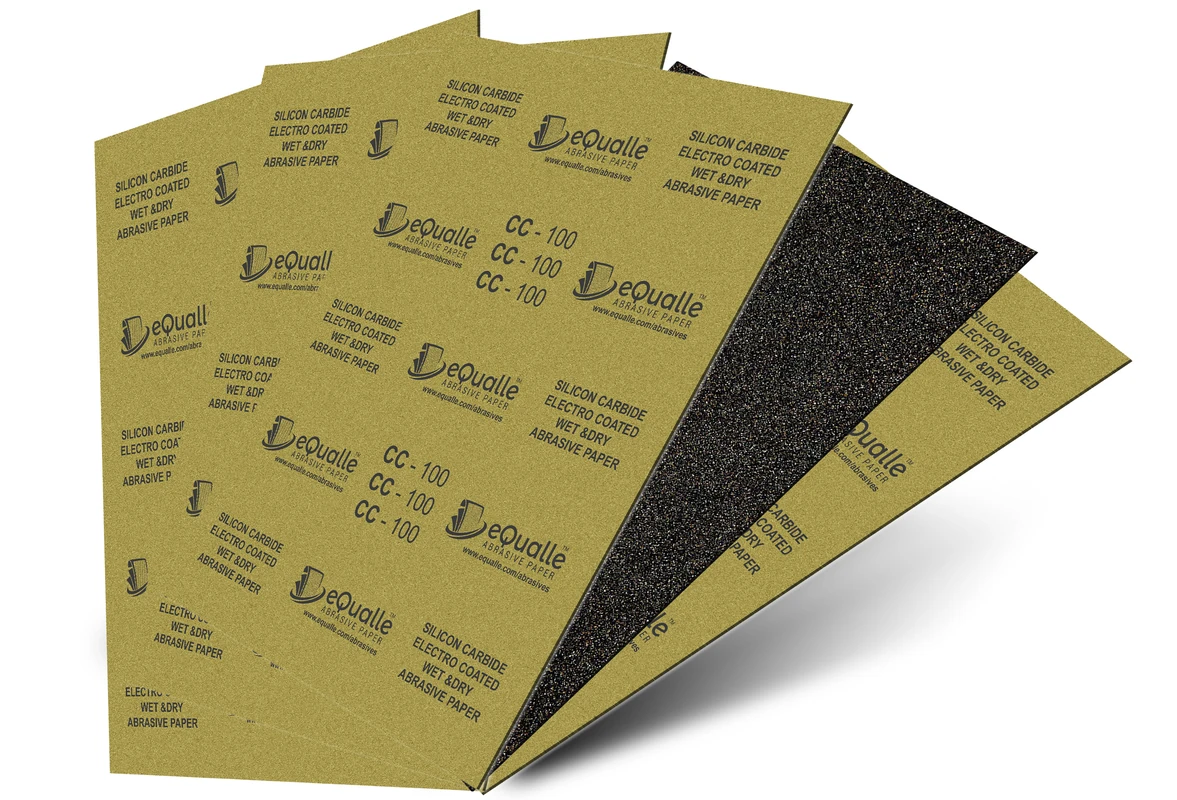
280 Grit Sandpaper Sheets (50-pack) — 9x11 in Silicon Carbide Abrasive for Wet or Dry Use — Fine abrasive for leveling varnish or clear coats with precision. Creates a refined surface before high-gloss finishing. Performs reliably on wood, resin, or painted materials in wet or dry conditions. (Professional Grade).
Frequently Asked Questions (FAQ)
Q: What exactly causes a pigtail compared to normal swirl marks?
A: Normal swirls are the uniform scratch pattern from the sander’s orbit and rotation. A pigtail is caused by a single tall grain or debris particle cutting deeper arcs repeatedly. It shows as a darker, repeating crescent under raking light because its depth exceeds the surrounding scratch field.
Q: How do hook and loop sanding discs influence pigtails?
A: Disc construction drives scratch uniformity. Film-backed, precision-graded discs keep the abrasive plane flatter and reduce tall-grain outliers. A robust loop fabric maintains stable contact on the pad, minimizing micro-slippage that can magnify outlier scratches into visible pigtails.
Q: Do I need a vacuum extractor to prevent pigtails?
A: Strong dust extraction isn’t mandatory, but it significantly lowers pigtail risk by removing fines that clump into rollers and by keeping the abrasive cool. Even a shop vac with a good seal and antistatic hose improves outcomes. Align the disc holes carefully to maximize airflow.
Q: What grit progression best avoids pigtails on hardwoods?
A: A conservative, reliable sequence is P120 → P150 (or P180) → P220 → P320. Avoid jumping more than one step, and break in each new disc on scrap. If pigtails appear at P220, drop back to P180 with a clean disc to re-level, then return to P220 with light pressure and good dust extraction.
Q: When should I replace my sander’s backing pad?
A: Replace the pad when the hooks lose grip, edges round over, or foam compresses permanently. A degraded pad introduces wobble and heat, encouraging pigtails. Many pros refresh pads every 6–12 months of regular use; heavy or hot-duty sanding may require earlier swaps.